
What a Virtual Event Moderator Actually Does (And Why Solopreneurs Need One)
Picture this. You're three minutes into your workshop, finally hitting your stride. Then the waiting-room alert pops up. Someone's knocking. You click to let them in, and you lose your sentence. Meanwhile, the chat is filling up, and somewhere in there is a great question you'll never see, because your eyes are supposed to be on your slides. And on the camera. And on the chat.
If you're a solopreneur running your own virtual events, you've probably lived some version of this.
Here's the thing nobody tells you: you're not struggling because you're bad at presenting. You're struggling because you're doing two jobs at once. One of them is the job of a moderator.
I've analyzed 50+ virtual events, spent thousands of hours in training and research on virtual events, on-camera presence and engagement, and I've worked as a virtual event moderator myself. This post shows you exactly what a moderator does, what the platforms let them do, and how to decide whether you need one.
You'll learn:
- The roles in a virtual event, in plain language
- What a moderator handles before, during and after an event
- What a moderator can't do, so nothing surprises you live
- Why solopreneurs need this support the most
- A simple framework for going solo, recruiting a friend, or hiring help
The Virtual Event Roles Nobody Explains
Platforms throw around words like host, co-host and panelist as if everyone knows what they mean. Let's fix that.
Quick 101, using Zoom's own descriptions (Zoom Success Guide):
- Host: This one is sneaky, because it can mean two things. There's the person who owns the event (the license holder who creates it and controls its settings), and there's the person running it live. Zoom points out these don't have to be the same person.
- Co-host: Zoom calls co-hosts "on-air producers." They help run the live session: admitting attendees, launching polls, managing Q&A, spotlighting speakers and promoting panelists.
- Panelist: The speakers. Panelists can share their screen and control their own camera, but they don't get platform controls.
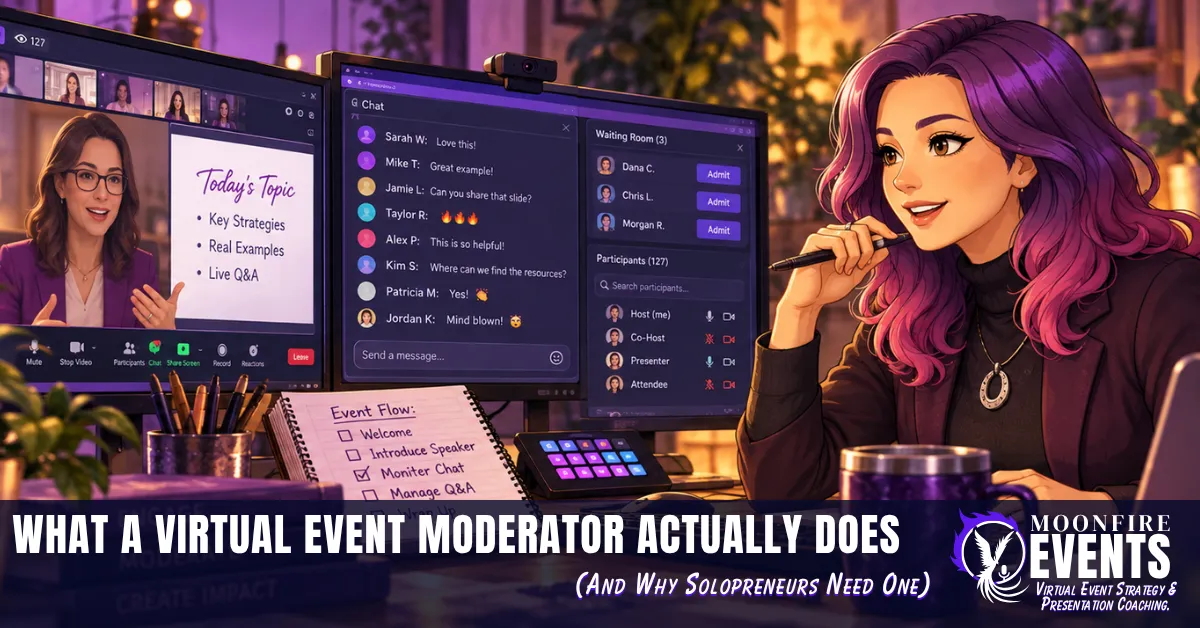
- Moderator: Here's the surprise. In Zoom, "moderator" isn't a button you click. It's a job. Zoom describes moderators and producers as behind-the-scenes staff who handle chat, Q&A, transitions, content sharing and troubleshooting. They usually join as panelists and need co-host status to do the work.
A university virtual event guide describes the moderator or MC the same way: an unofficial role that welcomes attendees, manages transitions, asks speakers questions and keeps an eye on chat, polls and Q&A. It also notes the moderator can be the same person as the co-host (UNO Virtual Event Planning Guide).
Think of it like theater. You're the star on stage. The moderator is the stage manager: calling cues, handling the house, and making sure the show keeps moving, so you never have to break character to deal with backstage chaos.
What a Moderator Actually Does: Before, During and After
Here's what this looks like in real life, from my own work moderating virtual events for clients.
During the event: the jobs that break your flow
When I moderate, I handle the three things that pull a presenter out of their talk the most:
- Letting people in. I admit attendees from the waiting room, so the presenter never has to stop mid-sentence to click "admit."
- Watching the chat. I watch the chat for relevant questions, so the presenter doesn't have to read and talk at the same time.
- The intro and the outro. I open the event and close it. The presenter gets introduced and can focus on their content from the first minute to the last.
What my clients told me afterward
My clients told me having a moderator made the presentation so much easier on them. They loved the intros and outros. They didn't have to worry about letting people in and having it disrupt their flow. And they didn't have to keep watching the chat while also trying to present.
Presenting and monitoring chat are two different jobs. A moderator lets the presenter do just one of them.
Before and after: the parts nobody sees
The live session is the visible part. A few habits before and after make it work:
- Before: make sure the moderator will have co-host status, since Zoom says moderators need it to do the job. Talk through roles and tasks with the speaker ahead of time, which is also what the UNO planning guide recommends.
- After: agree on how any unanswered chat questions get passed to the presenter for follow-up.
Permission granted: you don't have to be the speaker and the stage manager at the same time. Those are two jobs. You're allowed to hand one off.
What the Platform Won't Let a Moderator Do
Here's where events go sideways: assuming your moderator can do everything you can. They can't, and you don't want to discover that live.
In Zoom, co-hosts generally can't (Zoom Success Guide):
- promote other people to co-host
- set up captions
- manage interpretation
- end the session for everyone, in most cases
In Google Meet, host management covers things like muting everyone, ending the meeting for everyone, and locking chat, presenting, audio and video. But not every Google Workspace edition can add co-hosts at all (Google Meet Help). If yours can't, your moderator may not have the controls you're counting on.
This works best if you…
- Set up captions yourself before the event if you're on Zoom, since a co-host can't.
- Check your Google Workspace edition before you plan around a Meet co-host.
- Do a 10-minute tech run with your moderator before go-time. Promote them, test their controls, and confirm who ends the session.
Rebel action: write a one-line "who does what" list and share it with your moderator before the event. It takes two minutes and saves you from a live "wait, can you do that?" moment.
Why Solopreneurs Need a Moderator the Most
Big organizations have whole event teams. Look at the role list in Zoom's own guide: admins, hosts, co-hosts, panelists, moderators, alternative hosts and backstage helpers. Solopreneurs usually have one person doing all of it: you.
The bad advice to call out: "Real pros handle it all themselves." No. Real pros have a crew. The audience just doesn't see them.
When you're the only one in the room with controls, every interruption lands on the person who's supposed to be delivering the message. The waiting room, the chat, the speaker who can't unmute, the moment someone shares the wrong screen. Every one of those is a decision you make mid-sentence.
If you have an ADHD or neurodivergent brain, you already know what it costs to switch tasks while you're trying to stay on track. A moderator takes those switches off your plate so your attention can stay on your audience.
The gremlin: "Asking for help means I'm not professional enough to run my own event."
The glimmer: handing off the backstage work is exactly what professional events do. You're not cutting corners. You're staffing the show.
DIY, a Friend, or a Pro? How to Decide
You don't need a moderator for every event. Here's a simple way to decide.
Go solo if…
- it's a small, informal session, like a quick Q&A with a handful of people
- admitting people won't keep interrupting you, because it's a small group of people you already know
- you plan to answer questions at the end, not live from the chat
Recruit a friend or colleague if…
- you need someone to admit people and flag good questions from the chat
- it's a lower-stakes event, and a trusted person with a 10-minute tech run is enough
- you'd rather keep costs at zero
Hire a moderator if…
- it's a paid workshop, a launch, or anything where the first impression matters
- you want a proper intro and outro, so you're not opening and closing your own show
- you're expecting enough people that the chat will move faster than you can read while presenting
- you want to focus completely on your content and your audience
Imagine if your next paid workshop opened with someone else welcoming the room and introducing you. You'd skip straight to the part you're good at, and the waiting room and chat would already be handled.
Key Takeaways
- "Moderator" is a job, not a button. In Zoom, moderators work behind the scenes and need co-host status to do it.
- A moderator handles what breaks your flow: letting people in, watching the chat, and opening and closing the event.
- Know the limits before go-time. Zoom co-hosts can't set up captions or promote other co-hosts, and not every Google Meet plan can add co-hosts.
- Do a quick tech run and share a one-line "who does what" list.
- Match the help to the event: go solo, ask a friend, or hire a pro.
You were never meant to be the star and the stage manager at the same time. Hand off the backstage, and keep the spotlight.
If this landed for you, let's connect on LinkedIn: Claudine Land on LinkedIn.